



Cross-platform design and development is a common practice nowadays for Web development, but there was a time when the web browsers across computer devices, tablets and mobiles were unable to carry similar / close to similar levels of web technologies capabilities.
This has been one issue with Immersive Media (augmented reality, mixed reality etc.) and it may one day cease to be an issue as the Web Browsers are getting more powerful and capable at rendering higher quality graphics in real-time using GPUs.
WebGPU is a new web graphics API that offers significant benefits such as greatly reduced JavaScript workload for the same graphics and more than three times improvements in machine learning model inferences. This initial release of WebGPU is available on ChromeOS, macOS, and Windows. Support for other platforms is coming later this year.
https://developer.chrome.com/blog/webgpu-release/
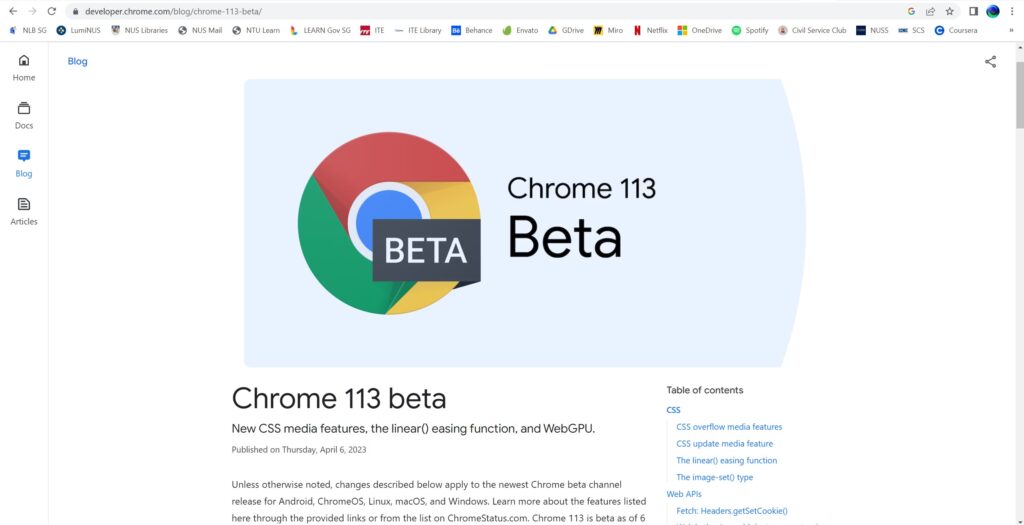
The current latest version of Chrome is Chrome 112. A side note, do remember to periodically update your Chrome browser to get the latest patches. Do the following steps:
- Click on the 3 dots icon at the side.
- Click on settings.
- Click on About Chrome.
- Once About Chrome page has loaded, it will auto check for updates (if yours is different, see if there is a manual update button).
In regards to Chrome 113 it is in beta as of 6th April, 2023.
The release adds four new CSS features, linear() easing function, image-set() type and new Web APIs. The most notable of new Web APIs release is WebGPU.
WebGPU is the successor to the WebGL and WebGL 2 graphics APIs for the Web. It provides modern features such as GPU compute, lower overhead access to GPU hardware, the ability to render to multiple canvases from a single graphics device, and better, more predictable performance.
https://developer.chrome.com/blog/chrome-113-beta/
To understand how WebGPU will present visual artefacts on the web browser canvas, samples can be found here. Ref: https://webgpu.github.io/webgpu-samples/samples/rotatingCube
If you are using laptop or desktop browser, you should be able to see a rotating cube below. However an error will shown if you use your mobile browser to view the rotating cube.
Links to the reference articles and similar:
- https://developer.chrome.com/blog/webgpu-release/
- https://developer.chrome.com/blog/chrome-113-beta/
- https://betterprogramming.pub/webgpu-and-why-its-exciting-6addb29354a4
- https://www.androidpolice.com/google-chrome-113/
- https://arstechnica.com/gadgets/2023/04/chrome-113-will-enable-webgpu-a-modern-low-overhead-graphics-api-for-the-web/
- https://rockpaperreality.com/insights/web-ar/web-ar-challenges/
- https://webgpu.github.io/webgpu-samples/samples/rotatingCube