



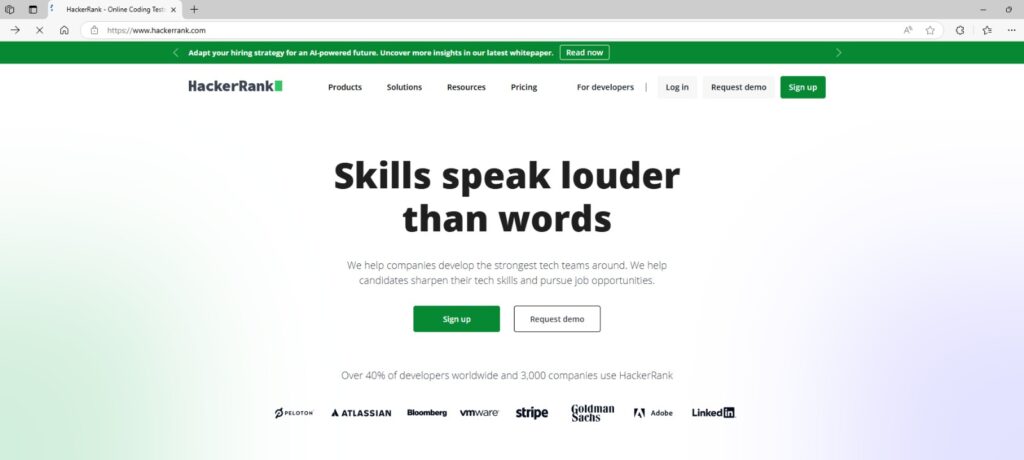
Step 1 – Launch the HackerRank Website and “Sign up”. Ref: https://www.hackerrank.com/
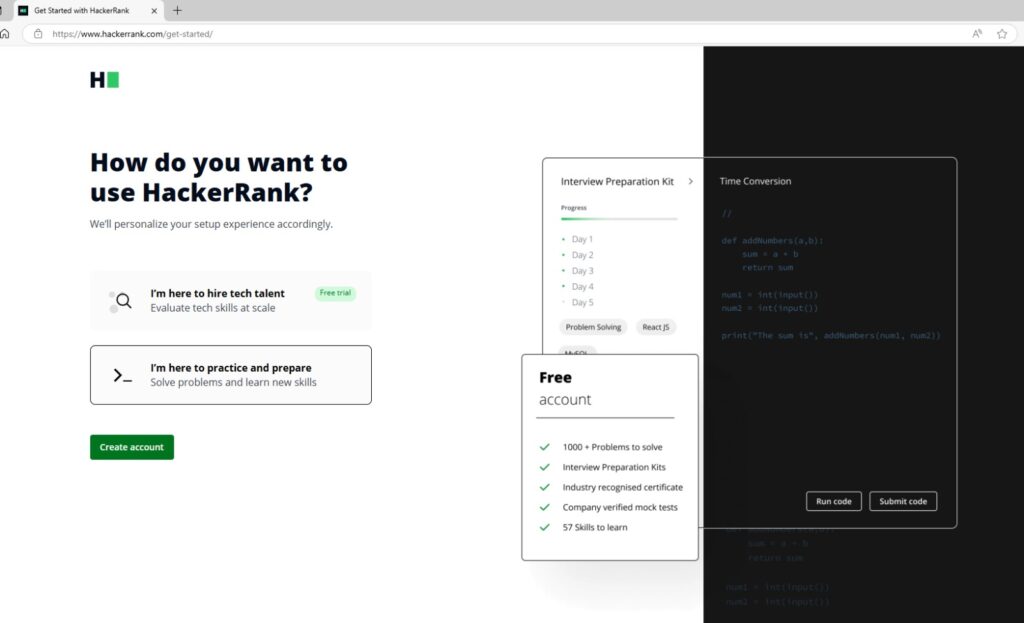
Step 2 – Select “I’m here to practice and prepare” and Click “Create account” to setup a free account.
Step 3 – Either use your email or existing Google/LinkedIn/GitHub/Facebook account to create your new HackerRank account.

Step 4 – Choose I am here to “Learn & Compete with Others”.

Step 5 – As you are now in year 3 and graduating next year, Choose I will graduate in “2026” (for those who going into year 4, choose “2027”).

Step 6 – Go to your email and find the “Please confirm your email” message. Click on “Confirm Account”.

Step 7 – At HackerRank’s dashboard once you login. Click on “Explore Skills”.

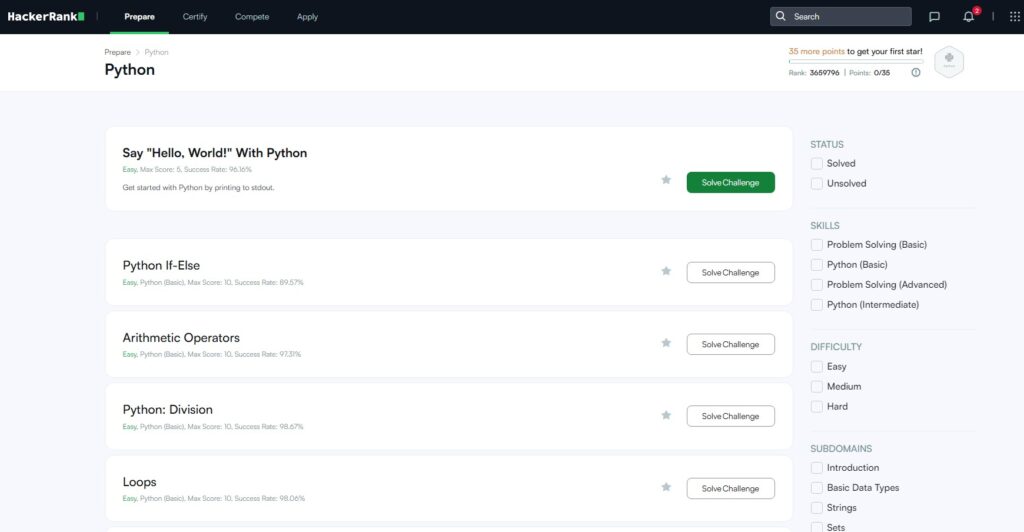
Step 8 – Under Prepare By Topics, select “Python”.

Step 9 – Solve the 1st easy challenge – Say “Hello, World!” with Python. Click on “Solve Challenge”.
Step 10 – The Challenge’s Questions is on the Left-Hand side of the screen. Read their requirements carefully.
On the right-hand side is the coding screen. Based on the given question, solve the code challenge.
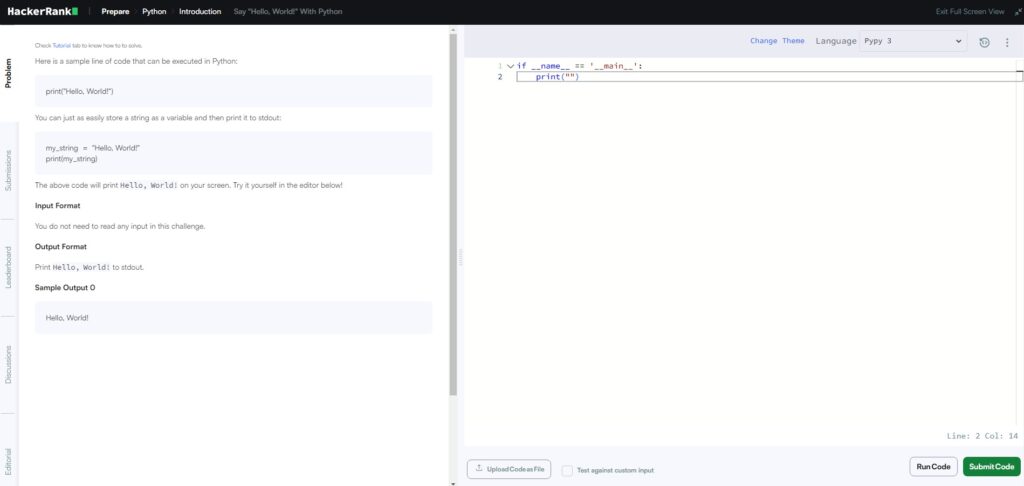
Step 11 – After you have type what you think is the answer, click on “Run Code”.

Step 12 – Scroll down to see the results from the compiled code. If there are errors, compare your output / error with the expected output. Try to understand (troubleshoot) what is wrong.
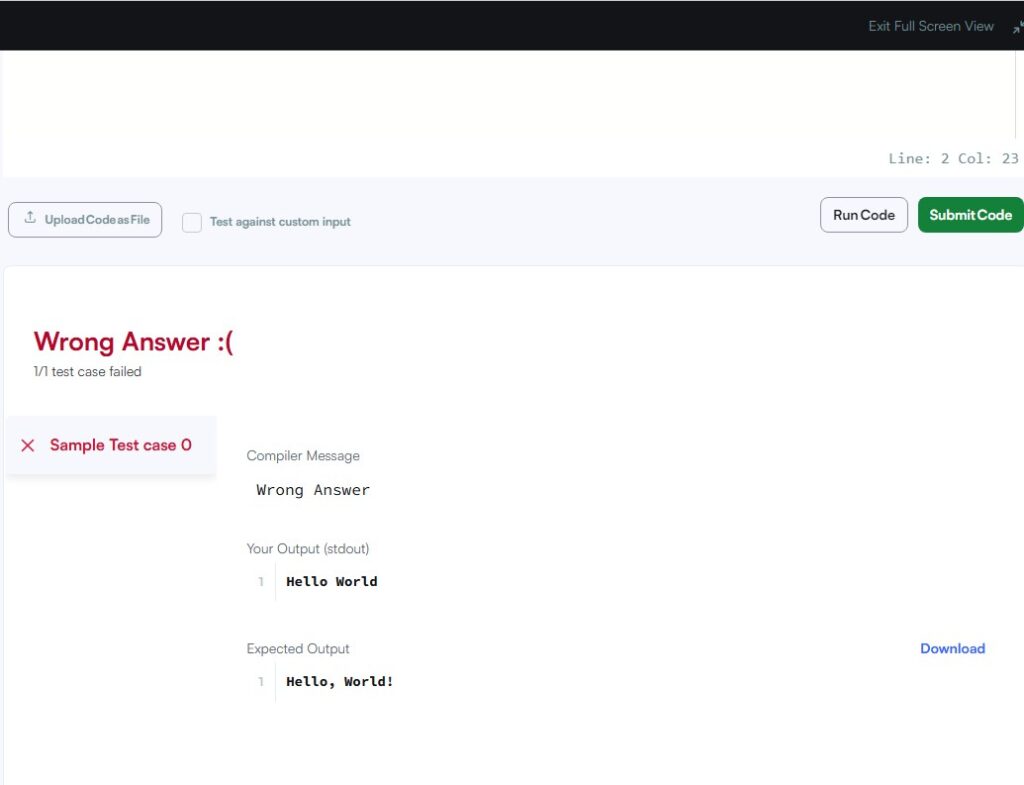
Step 13 – Scroll-up to check the question and redo the code challenge.

Step 14 – Run the code again. If it works, there is a Congratulations! message.

Your code “Output” will match the “Expected Output”.
Click on “Submit Code”.
Step 15 – The number of score you receive when completing the challenge will be shown.

You can click on “Next Challenge” to do the next easiest challenge OR you can click on the top left “HackerRank” logo to return to your main screen – dashboard.
Step 16 – If you returned to your main screen – dashboard. You will see the topic you are practicing in progress.

For each topic, like a game board. Once you accumulate a certain number of points you will “Rank-Up” and gain 1 star.
Step 17 – At the top right you can view your profile settings among others.

Hackos: 101 are the points you accumulate which you can use to “buy” new practices or hidden unit test cases.
Remember Software Engineering Practices and other software modules, we talked about how we test our software creations.
In the more difficult code challenges, other than writing code to solve the requirements. The AI will run your code through other possible scenarios, to see if your code has good structure and logic – so that it can withstand potential logic breaking / other error kind of scenarios.
Usually as a digital product/service creator you are in control of the unit test plan, you know what you will put your creation through to validate it can work.
For advanced Leet Code challenges, the extra unit tests are hidden from you, so when solving the original challenge, you need to foresee and predict potential test they may put your code through also within a short time. (is like how chess masters can think of moves ahead of their opponents).
If you earn Hackos through the free practice exercises, you can spend them on unlocking the hidden test in HackerRank platform.
Step 18 – You can view your profile. You can earn Badges and Stars by doing the Practice Topics and solving the Challenges within.

Once you are ready, you can take a Certification test to see if you can solve a series of problems tied to the Cert to earn the digital Certificate.
Gradually fill-up the rest of the profile and you can use it in future as a portfolio and job hunting tool.
Step 19 – Talent is a gift, the potential within you. Skills on the other hand can be gained by anyone with the right training, discipline and commitment to practice.
Some of you may master a skill faster, some may take more time to gain mastery, whatever the case start doing instead of slacking.

To build a learning behavior, you need to make it easier for yourself to learn.
Open your Web Browser’s setting.
Step 20: At the “On startup” option, Click on “Add a new page”.

Key in HackerRank’s website: https://www.hackerrank.com/
This way, every time you open your web browser in future, the HackerRank website will open in your face.
You force yourself to stare at it and do one challenge everyday, you will build up a behavior where next time you will remember to practice on your own.
Step 21: Remember to use the Developer login to access your HackerRank.

Step 22: One day when you are ready, maybe you can accumulate enough Hacker points to appear in the front-page rankings of Singapore.
